Reframe your workflow.
A transparent video overlay for macOS. Keep reference visible while you work — perfect for animation, motion design, and learning from tutorials.
Why I Made This?
What is Reframer?
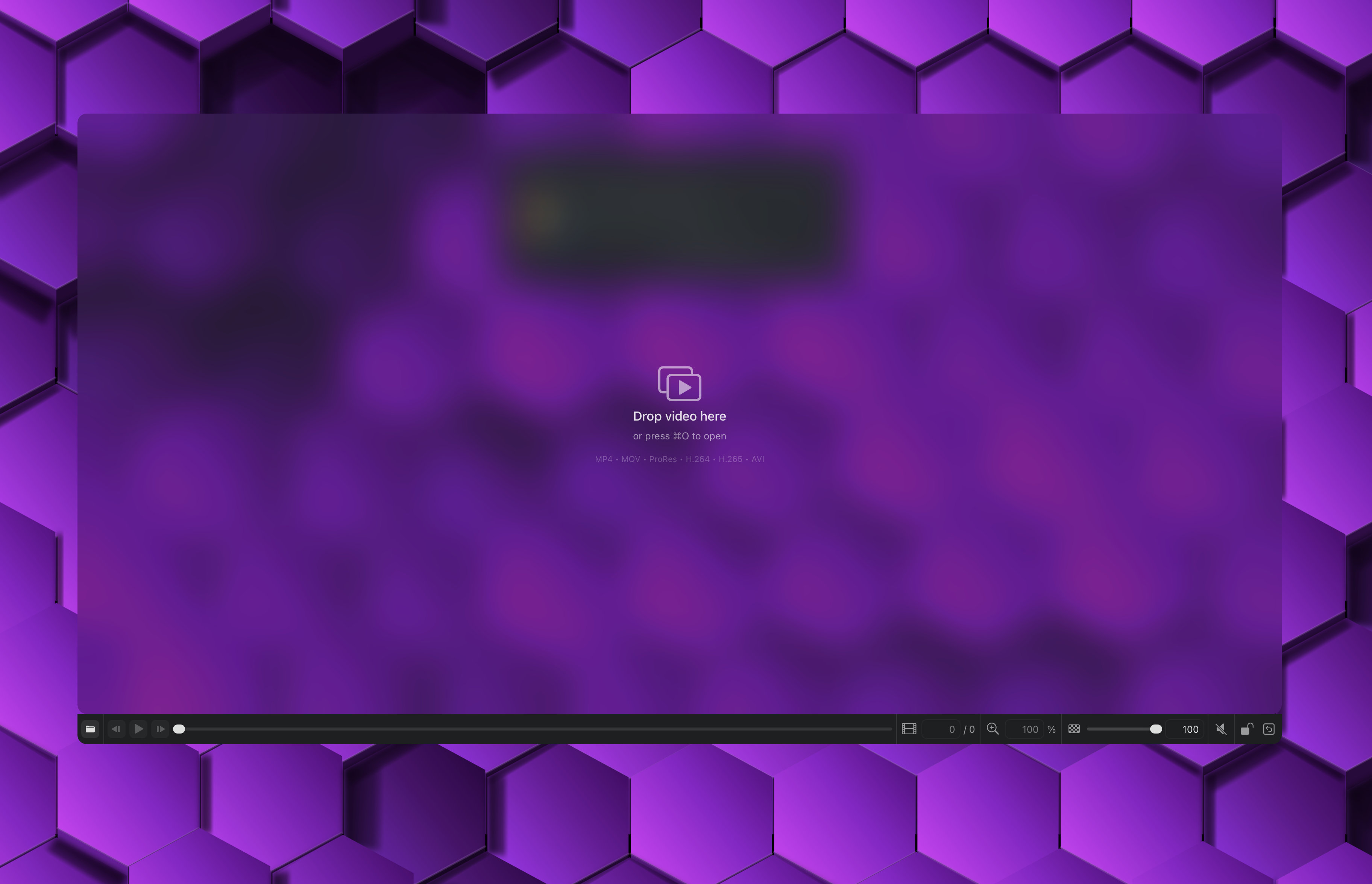
Reframer is a transparent video overlay app for macOS. It keeps reference footage visible above your workspace so you can animate, design, or study motion without constant window switching.
| Metric | Value | Why it matters |
|---|---|---|
| Video filters | 11 | Supports tracing, contrast tuning, and reference cleanup. |
| Zoom range | 10% to 1000% | Enables both full-frame and detail-level analysis. |
| Opacity range | 2% to 100% | Balances overlay visibility with app interaction below. |
| Supported platform | macOS 14+ | Focused native workflow for modern Mac systems. |
Your reference, always in sight
Reframer floats above all windows so you can work with video reference without switching apps.
Always On Top
Video stays visible above all windows. Work in any app while keeping your reference in view.
Frame-Accurate
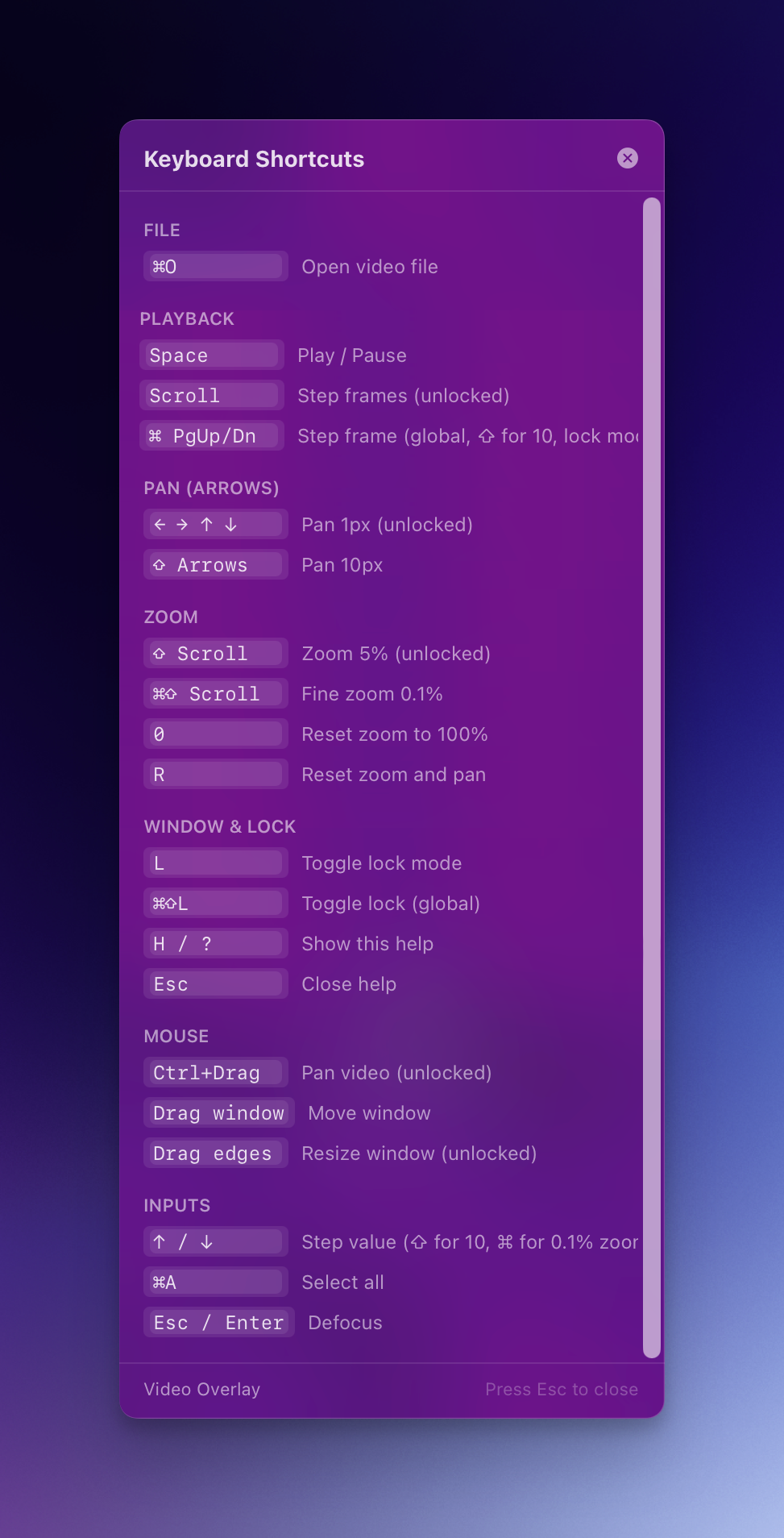
Step through video frame by frame with keyboard shortcuts. Jump 10 frames with shift.
Click-Through Mode
Lock the window and clicks pass through to apps below. Draw directly under the video overlay.
Built for creative professionals
Animation & Rotoscoping
Trace over video frames in your drawing app. Set opacity low, step through frames, and draw.
UI/UX Design
Compare your designs with video prototypes. Overlay recordings to match transitions and timing.
Learning & Tutorials
Follow along with video tutorials while working in the actual app. No more tab switching.
Powerful tools for precise control
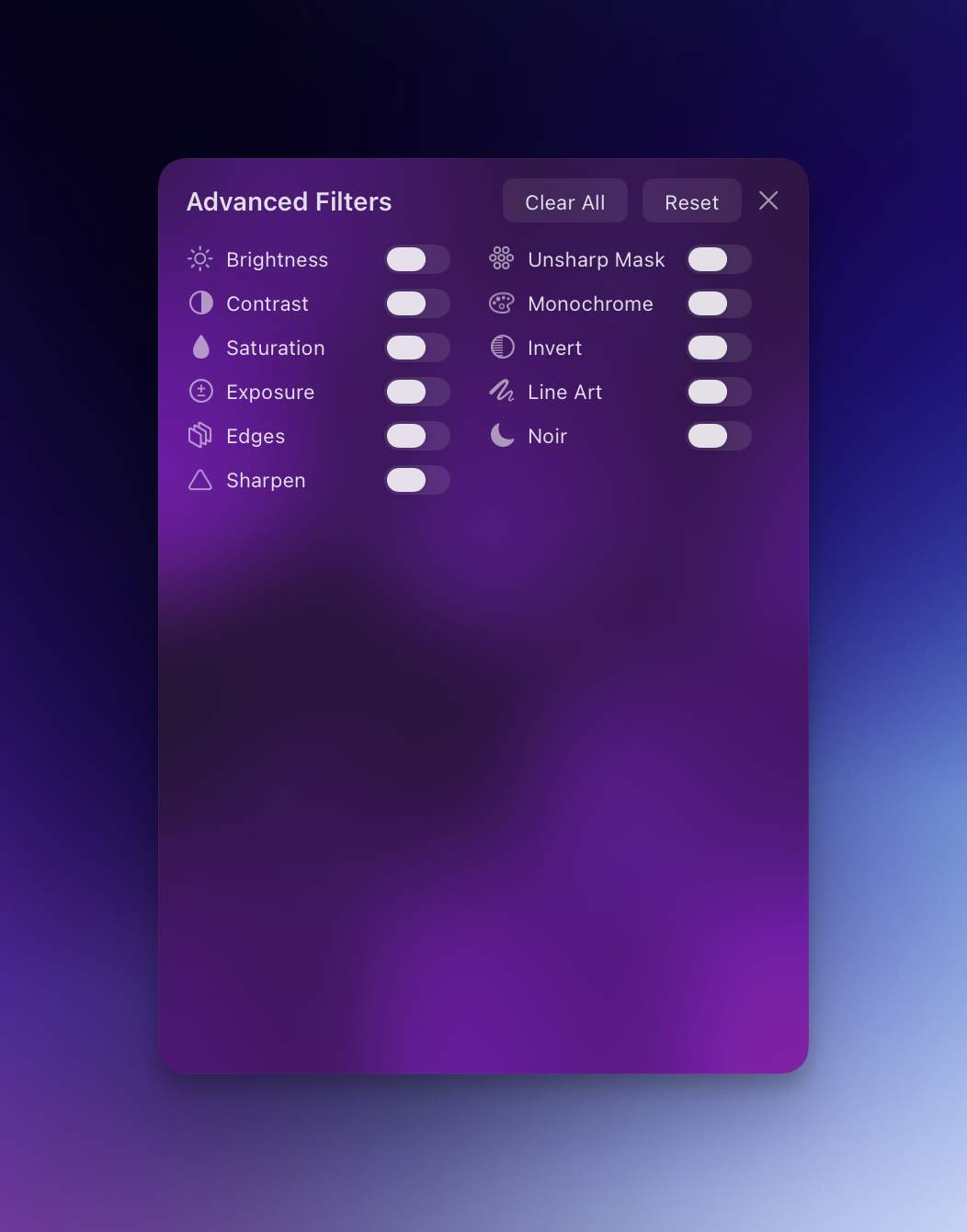
11 Video Filters
Brightness, contrast, edges, line art, noir, and more. Chain filters together for custom effects.
Zoom 10%-1000%
Inspect details at any scale. Fine control with 0.1% precision using modifier keys.
Adjustable Opacity
From 2% nearly invisible to 100% fully opaque. Find the perfect blend for any workflow.
Keyboard-First
Full control without touching the mouse. Global shortcuts work from any app.
Pan & Navigate
Click and drag to pan. Arrow keys for pixel-precise movement. Reset instantly.
All Major Formats
MP4, MOV, AVI, M4V. H.264, H.265/HEVC, ProRes codecs supported.
Ready to reframe your workflow?
Download the beta for free. macOS 14+ required.